Best Years of Service Calculator: Exact Tenure in 1 Minute
Years of Service Calculator
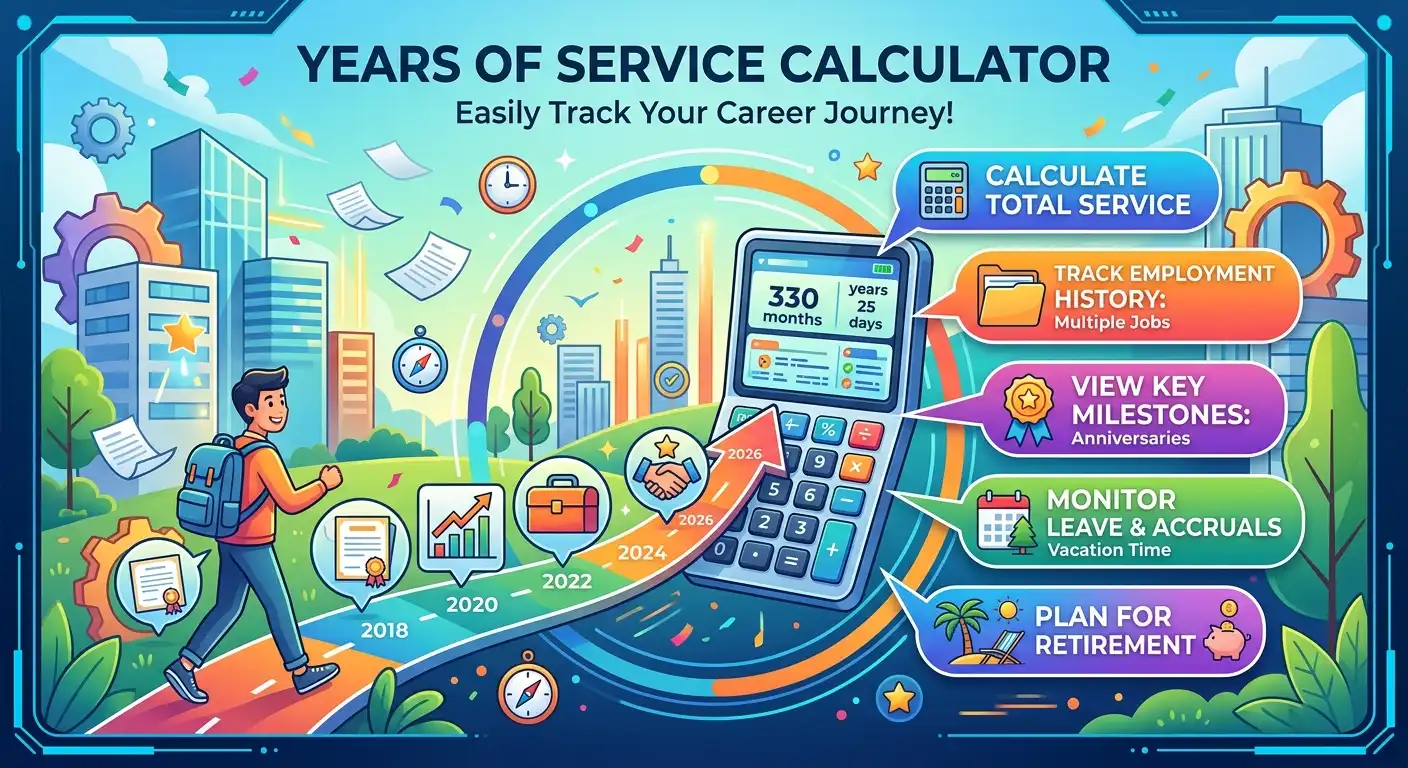
Whether you are an employee checking your tenure or an HR professional reviewing a service record, knowing your exact employment length is useful. This years of service calculator calculates calendar service in completed years, months, and days.
You can also use today’s date for current employment and deduct specified non-countable service days. The result helps with service milestones, anniversary planning, and preliminary benefits checks.
Calculate Your Service Time
How Years of Service Calculator Works
The calculation measures the calendar interval between the employment start date and the end or reference date. It counts complete calendar anniversaries first, then remaining months and days.
This produces a result such as 8 years, 5 months, and 12 days. That format is often easier to understand than a single decimal number.
Formula
For ordinary calendar tenure:
Service Duration = End Date − Employment Start Date
The calculator then separates the result into complete years, complete remaining months, remaining days, and total elapsed days.
- Completed years: full anniversaries reached after the start date.
- Remaining months: complete calendar months after the completed years.
- Remaining days: calendar days after the completed years and months.
- Total days: actual calendar-day difference after optional deductions.
Decimal years are shown as an additional planning metric using adjusted elapsed days divided by 365.2425. This value should not replace the years-months-days figure where service rules use calendar anniversaries.
Step-by-Step Example Calculation
Suppose an employee started work on March 15, 2018 and service is measured on August 15, 2026. There are no excluded service days.
- March 15, 2018 to March 15, 2026 = 8 complete years.
- March 15, 2026 to August 15, 2026 = 5 complete months.
- There are no additional days = 0 days.
- The calendar result is 8 years, 5 months, 0 days.
- The decimal representation is approximately 8.42 years.
If 30 days of service are officially excluded, those days can be entered in the optional non-countable-service field. The calculator subtracts them for planning purposes.
In an actual HR or pension case, exact break dates may matter. Always compare the result with the organization’s official service calculation.
What Affects Your Years of Service Result?
Years of Service and the Official Service Date
The most important input is the date from which service officially begins. This may be the original hire date, benefits service date, adjusted seniority date, or another employer-defined date.
These dates are not always identical. USDA’s National Finance Center documentation describes years, months, and days of service calculated from an organizational service date.
Employee Service Calculator: Continuous Employment
An employee service calculator normally assumes continuous service between two dates. That works well for straightforward tenure checks.
Resignation and rehire periods can change the official result. Some organizations count previous qualifying service, while others use the most recent hire or an adjusted service date.
Calculate Years of Service With Unpaid Leave or Breaks
Unpaid leave is a common reason personal calculations differ from official figures. Some approved leave periods count as service, while other breaks may be excluded.
The University of Delaware, for example, states that unpaid breaks in service do not count for its service-recognition program. This shows why service rules must be checked individually.
Leap Years and Different Month Lengths
Calendar calculations must account for February 29 and months containing 28, 29, 30, or 31 days. Dividing total days by 365 can create differences over long employment periods.
This calculator preserves the calendar anniversary structure first. It then calculates the remaining months and days for easier comparison with HR records.
Current Employment Versus a Past Job
If you are still employed, use today’s date as the end or reference date. If employment has ended, enter the applicable termination or last-service date.
Employers can differ on whether the final day is counted. The optional end-date setting lets you test the convention that applies to your record.
Service Anniversaries and Milestones
Service anniversaries are often based on the official hire or company service date. Common milestones include 5, 10, 15, and 20 years.
The next anniversary shown by this calculator is a calendar planning date. It does not guarantee that an employer benefit becomes payable on that date.
Legal, Pension, and Gratuity Service
Calendar tenure does not always equal qualifying pension or gratuity service. Retirement plans can use separate vesting rules, minimum service periods, and credited-service definitions.
Use this calculator to check your dates, then compare the result with your official service statement and applicable employment or benefits rules.
Years of Service Calculation Examples
| Start Date | Reference Date | Calendar Service | Completed Years | Use Case |
|---|---|---|---|---|
| Jan 10, 2020 | Jan 10, 2026 | 6 years, 0 months, 0 days | 6 | Exact anniversary |
| Mar 15, 2018 | Aug 15, 2026 | 8 years, 5 months, 0 days | 8 | Current employee tenure |
| Jun 1, 2019 | May 20, 2026 | 6 years, 11 months, 19 days | 6 | Before next anniversary |
| Feb 29, 2020 | Feb 28, 2027 | 7 years, 0 months, 0 days* | 7 | Leap-day edge case |
*Leap-day anniversary handling can differ between organizations and legal systems. The example treats February 28 as the anniversary in a non-leap year for calendar comparison.
Why Calendar Service and Qualifying Service Can Differ
A useful years-of-service calculation begins with the correct service date. The official figure can still depend on an employer’s employment system and qualifying-service rules.
Government HR documentation shows that service records can contain a service date, years, months, and days. The service date itself can also be adjusted to recognize qualifying earlier work.
Some regulations define years of service using years, months, and days beginning with a hire date. This illustrates calendar-based service measurement, but it should not be treated as a universal employment rule.
Reference source: USDA National Finance Center employment data documentation.
Frequently Asked Questions
How do I calculate years of service?
Enter the official employment start date and the date through which service should be measured. The calculator determines complete calendar years first, followed by remaining months and days. If your employer uses an adjusted service date, use that official date.
What is the difference between years of service and length of employment?
They can mean the same thing in ordinary usage. However, years of service can have a specific meaning under an employer policy, pension plan, collective agreement, or labor law. Qualifying service may therefore differ from calendar employment duration.
Can I use this employee service calculator for a current job?
Yes. Set the end date to today’s date or another reference date. The calculator then reports your calendar tenure and next employment anniversary. For benefits, compare the result with your employer’s recognized service date.
Does the calculator account for leap years?
Yes. The calendar calculation works with actual dates instead of assuming every year contains exactly 365 days. Leap years and February 29 are handled when calculating calendar years, months, and days.
Should unpaid leave be deducted from years of service?
Only when the applicable employment or benefits rules exclude that period. Some approved leave counts as service while some unpaid breaks do not. The optional deduction field is a planning feature, not a universal legal rule.
Why is my official years of service different from the calculator?
Differences can result from an adjusted service date, previous qualifying employment, rehire periods, unpaid breaks, credited service, probation rules, or different date-counting conventions. The official HR or benefits record determines qualifying service.
Can this calculator be used for retirement or gratuity planning?
It can help check the underlying calendar service period, but it should not be treated as a legal or financial eligibility decision. Pension and gratuity programs can define credited service differently.
How is decimal years different from years, months, and days?
Decimal years are convenient for estimates and spreadsheets, while years, months, and days preserve the calendar structure of employment tenure. For HR records and service anniversaries, the calendar format is generally easier to interpret.
Related Calculators
Calculate Your Employment Tenure With Confidence
A reliable service calculation starts with the correct employment date and ends with a clear calendar result. This tool gives you completed years, remaining months and days, total elapsed days, decimal years, and your next service anniversary.
It is useful for employees checking tenure, HR teams reviewing records, and anyone preparing a preliminary retirement or benefits calculation.
Remember that the calculator measures calendar service rather than guaranteeing qualifying service under a particular law or benefits plan. Verify important results against your official employment record.

Asrar Ahmad
Founder of CalculatorSuiteHub.com and Rankify SEO & AI Agency. Specializes in SEO, technical content writing, WordPress development, and AI-powered digital solutions. Builds accurate calculators and helps businesses grow online.