Pearson Age Calculator 2026: Accurate & Easy Y.M.D Tool
Pearson Age Calculator
Calculate chronological age accurately in years, months, and days.
Age Breakdown
Pearson Age Calculator: Calculate Chronological Age in Y:M:D
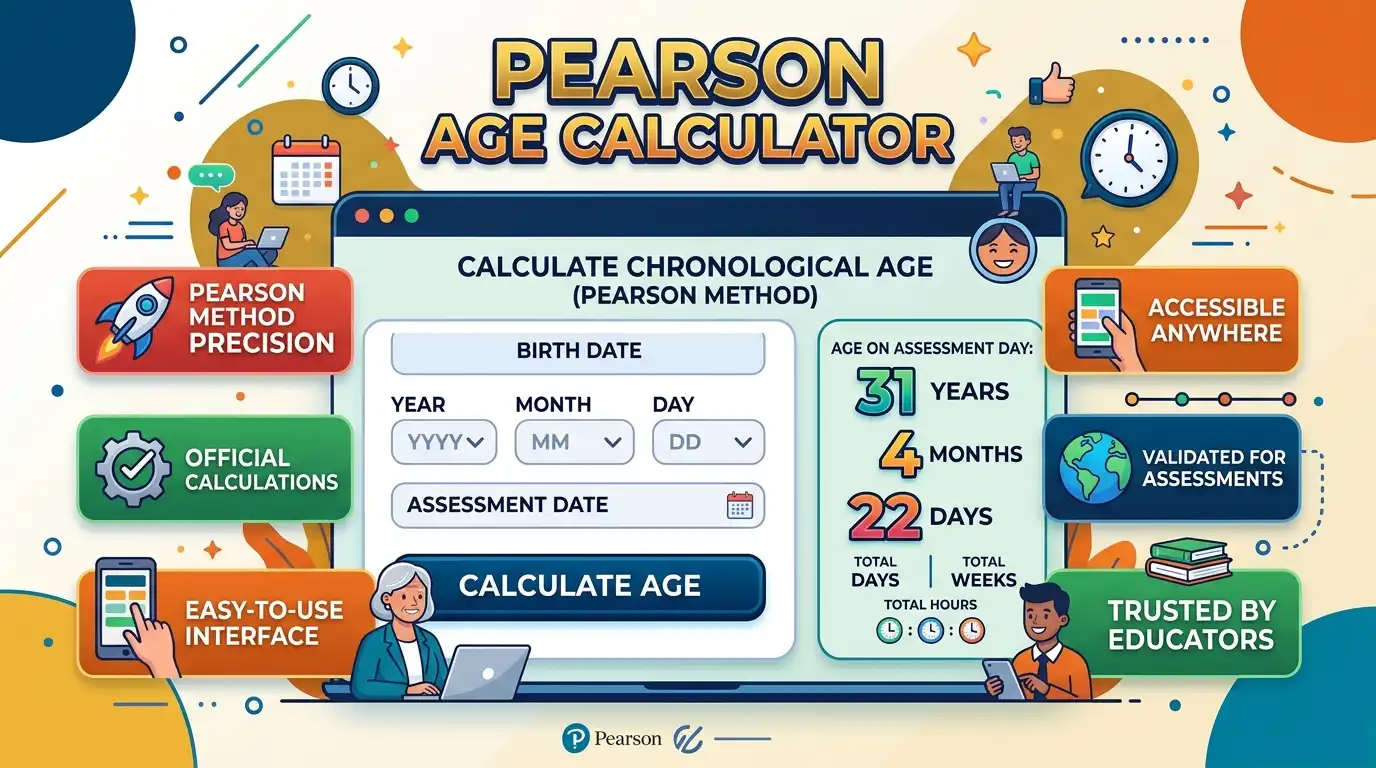
The Pearson Age Calculator finds chronological age on a specific test or assessment date, in years, months, and days. It's built for psychologists, SLPs, educators, and clinicians completing assessment paperwork.
Enter both dates above and get the result instantly in Years;Months;Days format — more precise than just knowing someone's age in completed years.
This is an independent chronological-age tool and is not affiliated with or endorsed by Pearson Assessments.
How This Calculator Works
A chronological age calculation compares the date of birth with a second reference date — for assessments, that's normally the test date, not today's date.
If the test day is smaller than the birth day, the calculation borrows 30 days. If the resulting month is smaller than the birth month, it borrows 12 months from the year.
Result = Years ; Months ; Days
This borrowing convention uses 30 days regardless of calendar month, and 12 months when borrowing a year. The age should never be rounded up to the next year.
What the Y:M:D Format Means
The Y:M:D notation means Years;Months;Days. A result of 9;11;28 means 9 years, 11 months, and 28 days old on the selected date.
You may also see this written as "9 years, 11 months, 28 days" — the semicolon format is just a compact way to record it on assessment paperwork.
Step-by-Step Pearson Age Calculation Example
Suppose a student was born on September 20, 2003 and tested on September 18, 2013.
2013 years · 09 months · 18 days
Step 2: Write the birth date2003 years · 09 months · 20 days
Step 3: Compare the days18 is smaller than 20, so borrow 30 days: 18 + 30 − 20 = 28 days
Step 4: Adjust the monthSince one month was borrowed, September becomes 8 for subtraction. As the birth month is also September, the difference becomes 11 months after the year borrow.
Final chronological age:9 years, 11 months, 28 days
This shows why subtracting calendar years alone gives the wrong answer — the student hasn't reached their tenth birthday yet, so it shouldn't round to 10.
What Affects Your Pearson Age Result?
Assessment Date Matters Most
Use the date the assessment was actually administered, not today's date. If you're completing paperwork days later, the age should still reflect the original test date.
Chronological Age vs. Calendar Age
A chronological age tool needs a second reference date so the age can be pinned to a specific point in time, unlike a basic birthday calculator.
This matters for standardized testing since normative data is organized by age ranges tied to the assessment date.
Borrowing Rule for Assessments
Assessment guidance describes subtracting the birth date from the test date using specific day and month borrowing rules, without rounding the age up.
This independent calculator applies the same convention, so it should be used together with the instructions for your specific assessment.
Age Displayed in Months
Some assessment workflows need age in completed months. This calculator also shows total completed months alongside the years/months/days result.
For example, 8 years and 5 months equals 101 completed months, before accounting for remaining days.
Use With Standardized Testing
Exact chronological age is often needed before selecting normative data for cognitive, language, achievement, or developmental assessments.
Always follow the administration manual for the specific instrument — age-range and eligibility rules vary by test.
Works Across Regions and Languages
The same date arithmetic applies whether you're in the US, UK, Australia, or elsewhere — what differs is the assessment manual and local scoring requirements.
Searches like "edad cronológica," "calcul âge," or "Altersrechner" all describe the same underlying task: chronological age from a birth date and a reference date.
Important Chronological Age Calculation Cases
When the Test Day Is Earlier Than the Birth Day
If the test day is smaller than the birth day, 30 days are borrowed before completing the subtraction. This is a common source of manual calculation errors.
When the Test Month Is Earlier Than the Birth Month
After the day borrow, if the month becomes smaller than the birth month, one year is borrowed as 12 months to complete the calculation.
Leap-Year Birth Dates
Birth dates on February 29 need extra care, since calendar-based calculations can behave differently around leap years. Always compare against the current assessment manual.
Never Round the Age Up
A person who is 9;11;28 has not reached 10 years yet. Chronological age should never be rounded up to the next whole year.
Chronological Age Format Examples
| Age Result | Meaning | Typical Use |
|---|---|---|
| 5;0;0 | 5 years, 0 months, 0 days | Exact birthday |
| 6;4;15 | 6 years, 4 months, 15 days | Assessment documentation |
| 8;11;20 | 8 years, 11 months, 20 days | School or clinical assessment |
| 10;0;7 | 10 years, 0 months, 7 days | Post-birthday assessment |
| 12;6;25 | 12 years, 6 months, 25 days | Exact chronological age |
How to Calculate Pearson Age Manually
Place the test date above the birth date and subtract right to left, borrowing days or months where needed.
- Write the test or assessment date.
- Write the date of birth directly below it.
- Subtract the birth day from the test day.
- If the test day is smaller, borrow 30 days.
- Subtract the birth month from the resulting test month.
- If the month is smaller, borrow 12 months from the year.
- Subtract the birth year.
- Record the final result as Years;Months;Days.
Manual calculation helps you understand the method, but a calculator avoids arithmetic mistakes across multiple records.
Why Accurate Chronological Age Matters in Testing
Many standardized tests organize norms by age ranges, so a small calculation error can mean checking the wrong age band on a protocol.
The calculator only provides the age value — the assessment manual and a qualified professional determine how that age is used for scoring.
Frequently Asked Questions About Pearson Age Calculator
What is a Pearson Age Calculator?
It's a chronological-age tool that finds a person's age in years, months, and days on a specific date, often an assessment date.
How do I calculate chronological age for a Pearson test?
Enter the birth date and test date, and let the calculator subtract them using the standard borrowing rules — never substitute today's date for a past assessment.
What does 7;10;15 mean in Pearson age?
It means 7 years, 10 months, and 15 days old on the selected reference date — more precise than completed years alone.
Does the Pearson age calculation use 30 days for borrowing?
Yes — 30 days are used when borrowing regardless of the calendar month, and 12 months when borrowing a year. The age is never rounded up.
Can I use this as a Pearson clinical age calculator?
Yes, for the date calculation itself — but it doesn't replace the instructions of any specific assessment's scoring manual.
Can I use the Pearson age calculator for WISC or CELF testing?
It helps prepare the chronological age for documentation, but it does not perform WISC, CELF, WIAT, or any other test scoring.
Why is my Pearson age different when I use another age calculator?
Different tools use different date-difference conventions. For standardized testing, always follow the method required by the relevant assessment manual.
Is the Pearson Age Calculator affiliated with Pearson?
No. This is an independent tool and is not affiliated with, endorsed by, or sponsored by Pearson Assessments.
Related Calculators
If you regularly work with dates, ages, or assessment-related calculations, these tools may also help:
Use the Pearson Age Calculator for Fast, Consistent Age Calculations
Manual chronological age calculation gets error-prone once you need to borrow days or months. This tool handles the arithmetic and returns the result in Years;Months;Days format instantly.
For professional assessment work, treat it as a mathematical aid, not a scoring authority — always verify rules against the current manual for your specific test.
For general use, it's a quick way to find someone's exact age at any selected date without doing the subtraction by hand.

Asrar Ahmad
Founder of CalculatorSuiteHub.com and Rankify SEO & AI Agency. Specializes in SEO, technical content writing, WordPress development, and AI-powered digital solutions. Builds accurate calculators and helps businesses grow online.